Inventory
Always know what’s on the shelf.
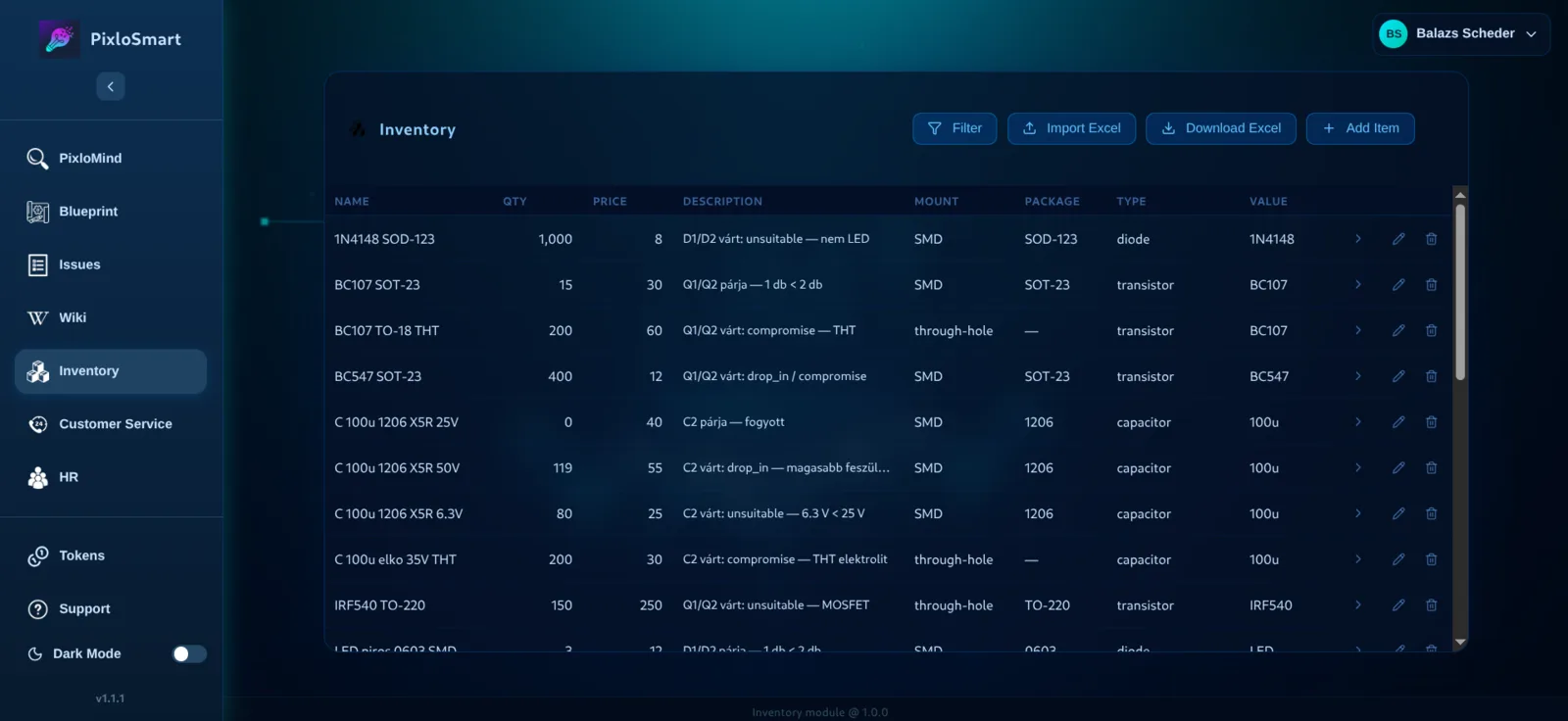
A clean stock list that Blueprint reads directly. Import your existing Excel sheet, keep quantities current and let production deduct what it uses. If a part drops too low, an ordering task is created automatically in Issues.
What you gain
Start from your Excel
Import the stock list you already have.
Accurate numbers
Production deducts stock automatically – no manual bookkeeping.
Engineer-friendly
Kind, value, package and part number – the way components are really described.
Features
Excel import and export
Bring your current list in, take it out any time.
Inline editing
Change quantities, prices and descriptions right in the table.
Component data
Kind + value, SMD/THT mount, package, part number and kind-specific engineering fields.
Pairs with Blueprint
Kind + value is how Blueprint finds the right stock item for a BOM row.
Automatic reorder task
When production takes a part too low, an ordering task is created in Issues – nobody has to remember to reorder.
Pairs well with
Frequently asked questions
Can I use Inventory without Blueprint?
Yes. It works as a standalone stock list with Excel import and export.
Is the inventory shared by the whole company?
Today stock is kept per user. Tell us in the demo how your warehouse works and we’ll show the best setup.
See it on your own data – in 30 minutes.
Bring one of your drawings or documents and we’ll show you live what PixloSmart gets out of it. No commitment.
Book a demo ▸